Ready-made digital products you can launch, bundle & sell faster.
LaunchFrame OS brings together your strongest PLR/MRR bundles, AI launch engines, printables, eBooks, templates, and business toolkits in one clean product hub.
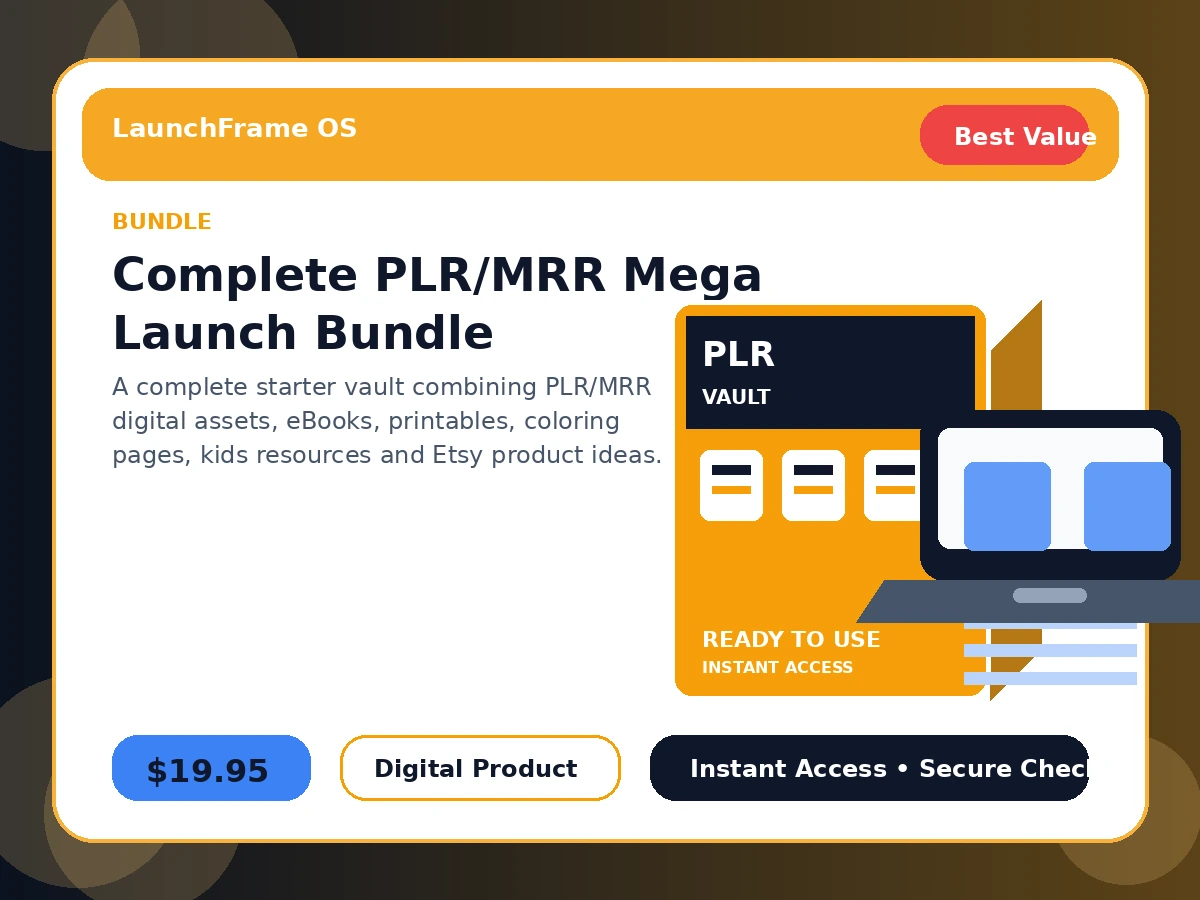
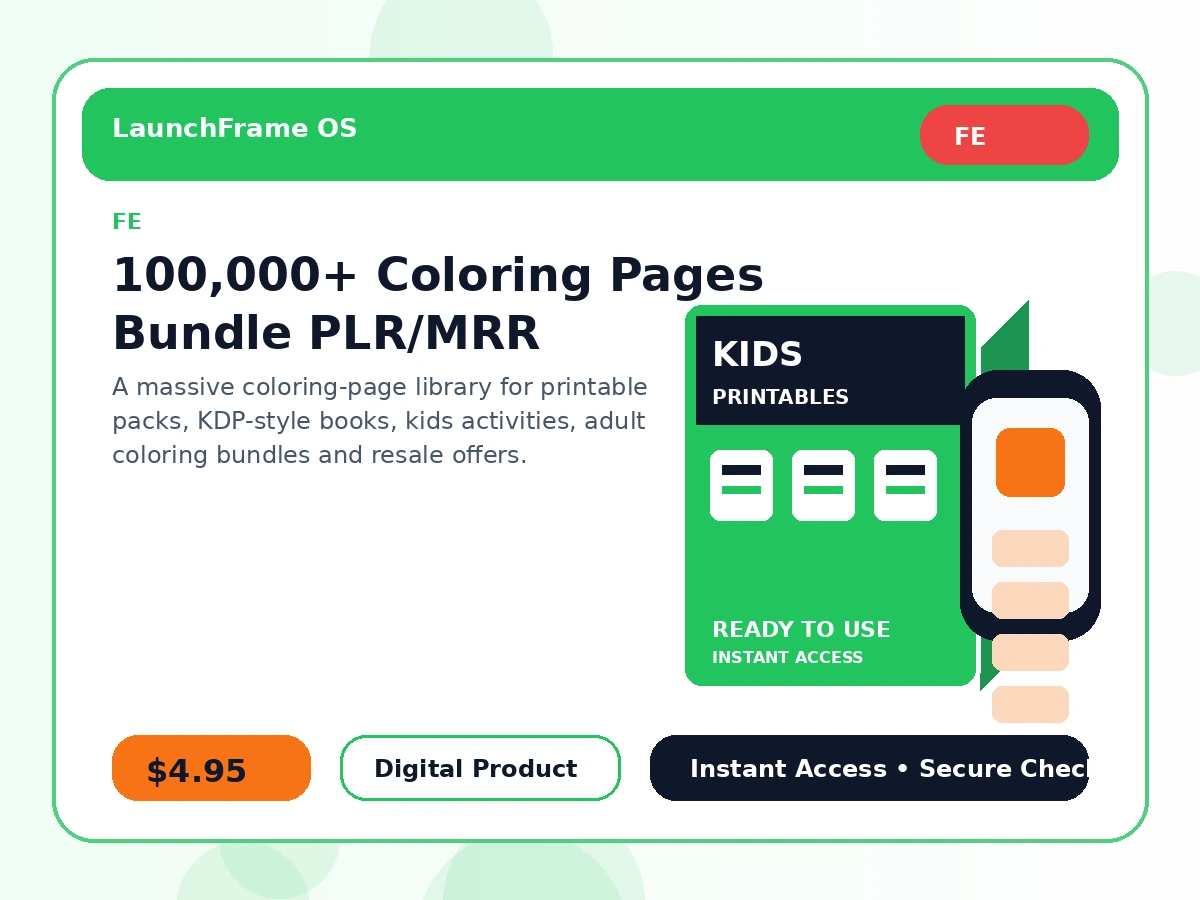
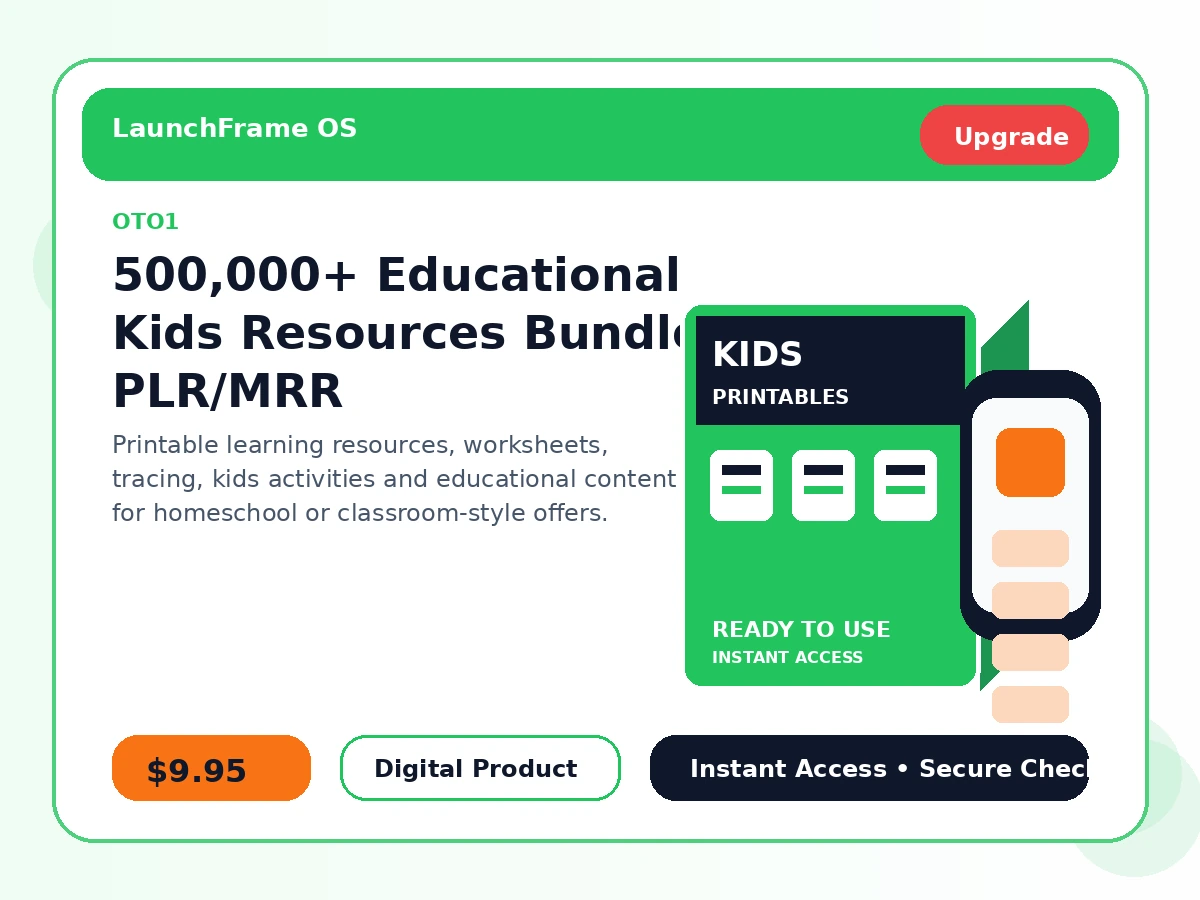
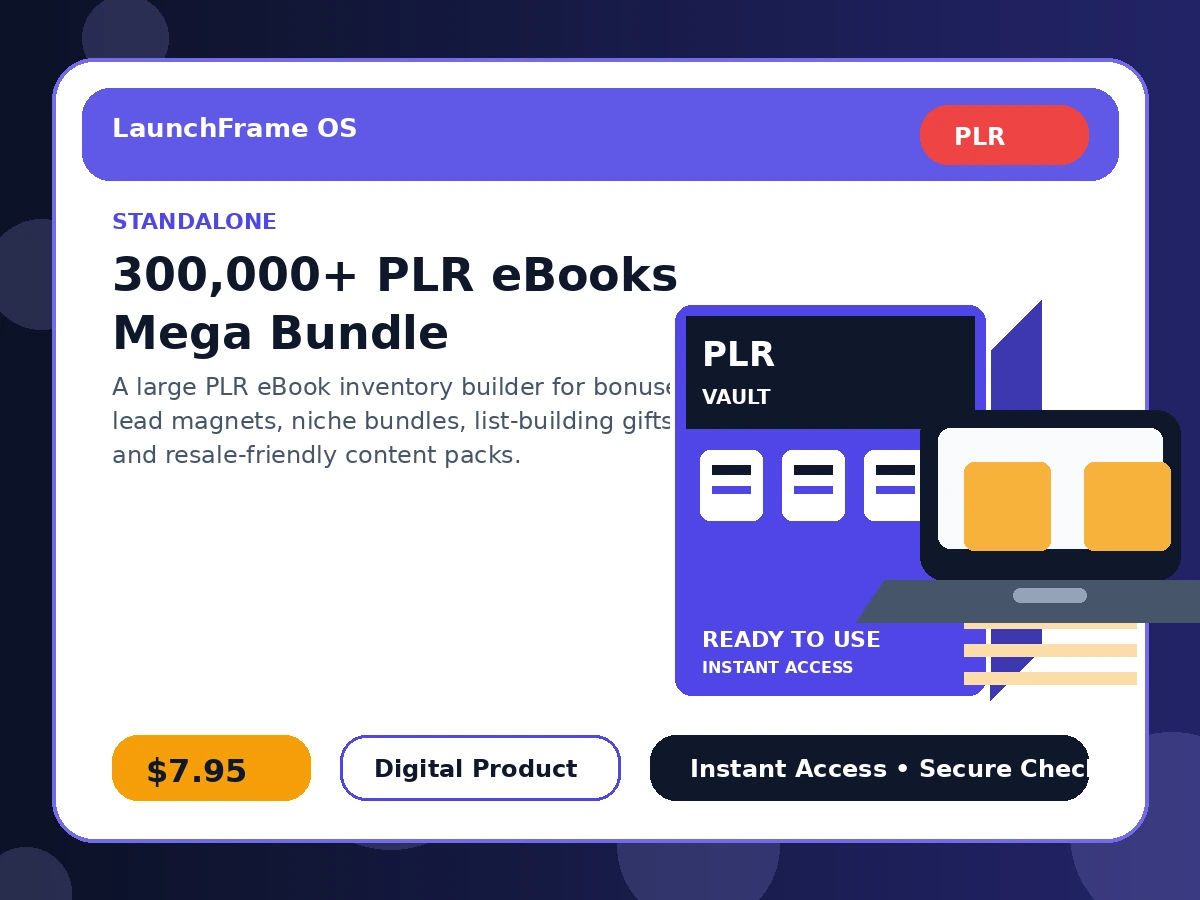
Find your next digital product offer
Search and filter the product vault. Every card includes a direct purchase button and a sales page button.
Grab the product — then use the bonuses to launch smarter.
Buying a digital product is only step one. These LaunchFrame OS bonus resources are designed to help buyers organize files, rebrand faster, create better listings, build buyer access pages, and promote their offers with more confidence.
PLR Rebrand Quick-Start Kit
Guidance for turning raw PLR/MRR files into cleaner, branded products buyers trust.
Digital Product Listing Swipe Pack
Copy angles, title ideas, description starters and benefit bullets for product listings.
Buyer Access Page Mini Template
A simple delivery-page framework for presenting downloads professionally after purchase.
Pricing & Bundle Cheat Sheet
Helpful pricing ideas for bundles, front-end offers, bonuses, upgrades and flash deals.
Email Promo Swipe Mini-Pack
Email angles and CTA ideas to promote PLR, printables, templates and digital bundles.
Launch Checklist & Traffic Plan
A practical checklist for preparing product pages, CTAs, files, support and launch traffic.
Bonus claim note: Buyers can claim available bonuses by contacting support with their purchase proof, product name, and purchase email. Bonus availability may vary by campaign/product.
Why digital products?
Digital assets are one of the simplest ways to build product inventory without shipping, warehousing, or custom client work.
Sell repeatedly
Create or package once, then sell the same digital offer again and again with no physical stock.
Launch faster
Start with ready-made PLR/MRR assets and spend your time on branding, positioning and promotion.
Bundle creatively
Turn large vaults into niche packs, bonuses, lead magnets, memberships and upsell-ready offers.
Everything is structured to help you move from product idea to product offer.
Instead of staring at a blank page, choose a product, review the sales page, purchase securely, and start organizing your delivery and launch plan.
Digital delivery means no packing, shipping, warehouse or restocking.
Use products for resale, bonuses, opt-ins, stores, memberships, bundles and campaigns.
Every product card gives you both the checkout link and the full sales page link.
Future product-card system
This page is already prepared for easier future updates. New products can be added by editing a single product list file.
Current setup
Products are stored in assets/js/products.js. Add a new product object, upload its image, and the card appears automatically.
Next upgrade
Build a password-protected admin form that writes new products into a JSON file or Google Sheet.
Best long-term option
Use a small CMS or Google Sheets feed so launching a product only requires filling product title, price, image, sales URL and Stripe URL.
Questions, answered
Quick answers for visitors browsing your digital product catalog.
Do these products include resell rights?
Many products are positioned around PLR, MRR, resale, or digital product usage. Buyers should always review the specific license/terms included with the product before reselling or distributing files.
How do customers receive access?
Most products use secure Stripe checkout and digital access pages or download folders after purchase.
Why are there two buttons on every product card?
The “Buy Now” button goes directly to Stripe checkout. The “View Sales Page” button lets visitors review the full offer before buying.
Can I add future products to this page?
Yes. This package includes a product data file and a future automation suggestion guide so new product cards can be added faster.